Rivals Roblox Guide: Slide-Cancel, Quick-Scope & Meta S-Tier Weapons
Seamou Editorial
Updated: 09/09/2026
9 min read
The fast-paced first-person shooter Rivals on Roblox is sparking intense global competitive enthusiasm. Defined by an ultra-short Time-to-Kill (TTK), intense 1v1 and 2v2 duels serve not only as tests of raw mechanical aim, but also as sophisticated spatial movement chess matches. Players who master the nuances of Slide-Canceling, Bunny Hopping, and lightning Quick-Scoping paired with an S-Tier weapon loadout consistently dominate competitive ranked leaderboards.
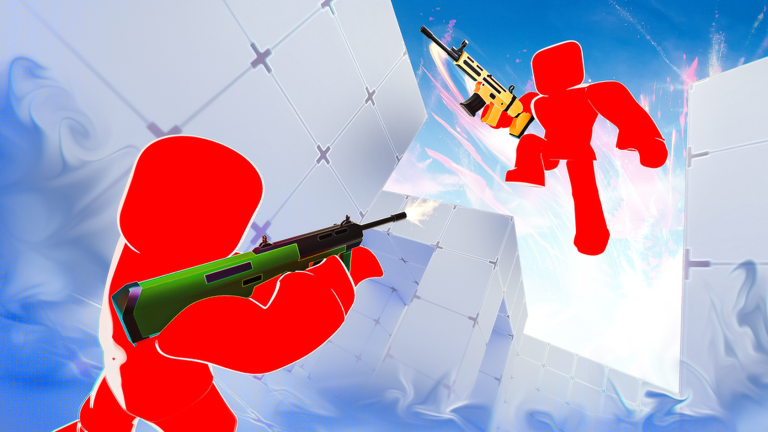
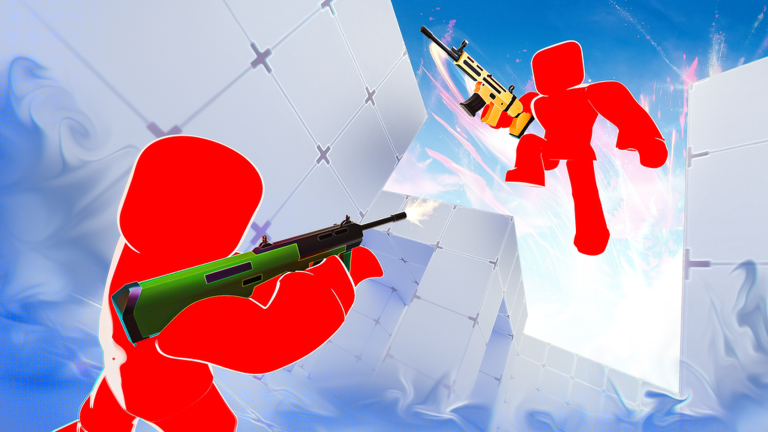
Figure 1: High-level Slide-Cancel movement and wall-bounce angles across close-quarters arena corridors in Rivals.
1. Meta S-Tier Loadout Deck Card
The following 6-slot loadout is engineered for omnidirectional range coverage, rapid draw speeds, and sub-0.4s target elimination:
S-Tier Loadout Deck
Lethal Combo: Sniper Rifle & Shotgun Quick-Switch
Tactical Profile
Burst Lethality & High Mobility
GOD-TIER
SR
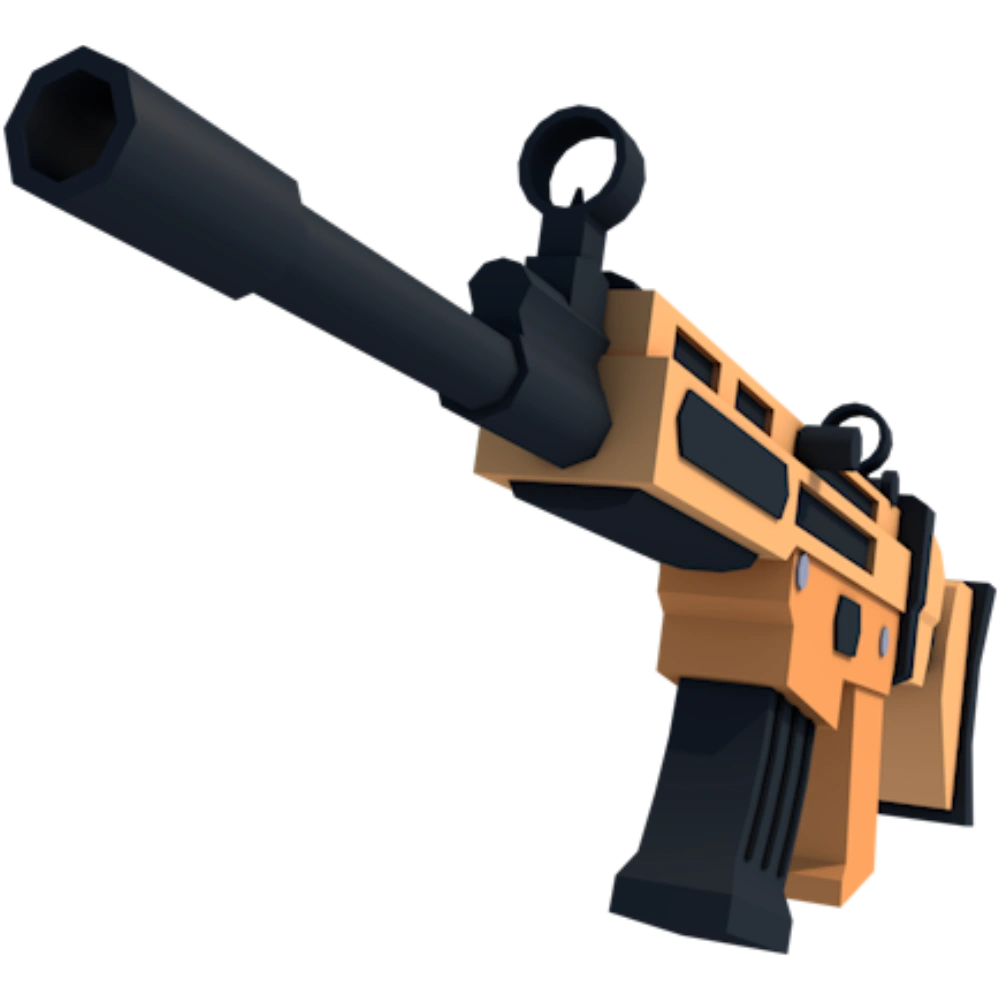
Sniper Rifle
75 Keys | Primary Sniper
Long-Range Anchor
70 Body / 105+ Head 5 / 10 Mag Size
S-TIER
SG
Shotgun
20 Keys | Close Range
Close-Quarters Burst
60 Body / 90+ Head 7 / 35 Mag Size
S-TIER
RV
Revolver
45 Keys | Heavy Sidearm
Finishing Secondary
45 Body / 67.5 Head 6 / 24 Mag Size
UTILITY
KT
Katana
30 Keys | Melee Weapon
+15% Sprint Speed
40 Slash Damage Corner Disengagement
TACTICAL
FG
Frag Grenade
15 Keys | Explosive
Corner Clearance
85 Max Splash DMG Flushes Enemy Angles
SUPPORT
MD
Medkit
25 Keys | Rapid Heal
Reset Engagement
Heals 50 HP in 1.5s Maintains 1v1 Momentum
4-Step Quick-Switch Combat Sequence
Step 1: Slide-Cancel Pre-Aim
Sprint -> Press C to slide -> tap Spacebar after 0.2s to cancel and stand, aligning crosshair at upper-torso level.
Step 2: Quick-Scope Discharge
Hold Right-Click -> within 0.15s tap Left-Click to fire the Sniper round (inflicting 70 body or 105+ headshot damage).
Step 3: Quick-Switch Finish
Instantly cycle to Shotgun or Revolver in 0.2s, firing immediately to inflict 40-60 bonus finishing damage.
Step 4: Katana Disengage
Swap to Katana for +15% sprint velocity, Bunny Hopping out of crossfire angles while reloading primary weapons.
CORE ADVANTAGES
Blistering TTK under 0.4s leaves opponents with zero counterplay window.
Dialing in precise sensitivity thresholds underpins micro-aim consistency:
Mouse DPI & Sensitivity: Recommended DPI spans 800 to 1000 with in-game Roblox sensitivity between 0.15 and 0.22. This configuration accommodates snappy 180-degree Slide-Cancel turns while preventing jitter during precision headshots.
Field of View (FOV): Maximize FOV to 100 or 110. Elevated peripheral visibility grants early warning against flankers and enhances spatial orientation while sliding.
Custom Crosshair: Deploy a compact Static Green Dot crosshair. High-contrast green maintains visibility against all arena textures, accelerating target acquisition by up to 20%.
4. Priority Keys Investment Roadmap for Beginners
Avoid squandering hard-earned keys on cosmetic novelties. Follow this battle-tested unlock progression:
Priority 1 (First 20 Keys): Unlock the Shotgun immediately to dominate interior hallway engagements.
Priority 2 (Next 75 Keys): Save diligently for the Sniper Rifle to secure long-range one-shot carry potential.
Priority 3 (45 Keys): Secure the Revolver to finalize the lethal Quick-Switch sequence, followed by the Katana (30 Keys) for movement speed.
5. Technical Frequently Asked Questions (FAQ)
Do weapons in Rivals exhibit Bullet Drop physics?
No. All firearms in Rivals, including the Sniper Rifle, operate on instantaneous Hitscan mechanics without bullet drop or travel time, registering hits directly on the crosshair reticle.
How can players counter opponents spamming Slide-Cancels and Bunny Hops?
Anchor your crosshair at upper-torso level rather than tracking jumping heads, and deploy Shotgun blasts or automatic fire to punish players the moment their feet hit the ground between hops.
Can mobile players execute Slide-Canceling effectively?
Yes, but it requires a dedicated 3-finger or 4-finger claw grip with slide and jump buttons mapped to separate fingers to trigger the 0.2s sequence reliably.
The fast-paced first-person shooter Rivals on Roblox is sparking intense global competitive enthusiasm. Defined by an ultra-short Time-to-Kill (TTK), intense 1v1 and 2v2 duels serve not only as tests of raw mechanical aim, but also as sophisticated spatial movement chess matches. Players who master the nuances of Slide-Canceling, Bunny Hopping, and lightning Quick-Scoping paired with an S-Tier weapon loadout consistently dominate competitive ranked leaderboards.
Figure 1: High-level Slide-Cancel movement and wall-bounce angles across close-quarters arena corridors in Rivals.
1. Meta S-Tier Loadout Deck Card
The following 6-slot loadout is engineered for omnidirectional range coverage, rapid draw speeds, and sub-0.4s target elimination:
S-Tier Loadout Deck
Lethal Combo: Sniper Rifle & Shotgun Quick-Switch
Tactical Profile
Burst Lethality & High Mobility
GOD-TIER
SR
Sniper Rifle
75 Keys | Primary Sniper
Long-Range Anchor
70 Body / 105+ Head 5 / 10 Mag Size
S-TIER
SG
Shotgun
20 Keys | Close Range
Close-Quarters Burst
60 Body / 90+ Head 7 / 35 Mag Size
S-TIER
RV
Revolver
45 Keys | Heavy Sidearm
Finishing Secondary
45 Body / 67.5 Head 6 / 24 Mag Size
UTILITY
KT
Katana
30 Keys | Melee Weapon
+15% Sprint Speed
40 Slash Damage Corner Disengagement
TACTICAL
FG
Frag Grenade
15 Keys | Explosive
Corner Clearance
85 Max Splash DMG Flushes Enemy Angles
SUPPORT
MD
Medkit
25 Keys | Rapid Heal
Reset Engagement
Heals 50 HP in 1.5s Maintains 1v1 Momentum
4-Step Quick-Switch Combat Sequence
Step 1: Slide-Cancel Pre-Aim
Sprint -> Press C to slide -> tap Spacebar after 0.2s to cancel and stand, aligning crosshair at upper-torso level.
Step 2: Quick-Scope Discharge
Hold Right-Click -> within 0.15s tap Left-Click to fire the Sniper round (inflicting 70 body or 105+ headshot damage).
Step 3: Quick-Switch Finish
Instantly cycle to Shotgun or Revolver in 0.2s, firing immediately to inflict 40-60 bonus finishing damage.
Step 4: Katana Disengage
Swap to Katana for +15% sprint velocity, Bunny Hopping out of crossfire angles while reloading primary weapons.
CORE ADVANTAGES
Blistering TTK under 0.4s leaves opponents with zero counterplay window.
Dialing in precise sensitivity thresholds underpins micro-aim consistency:
Mouse DPI & Sensitivity: Recommended DPI spans 800 to 1000 with in-game Roblox sensitivity between 0.15 and 0.22. This configuration accommodates snappy 180-degree Slide-Cancel turns while preventing jitter during precision headshots.
Field of View (FOV): Maximize FOV to 100 or 110. Elevated peripheral visibility grants early warning against flankers and enhances spatial orientation while sliding.
Custom Crosshair: Deploy a compact Static Green Dot crosshair. High-contrast green maintains visibility against all arena textures, accelerating target acquisition by up to 20%.
4. Priority Keys Investment Roadmap for Beginners
Avoid squandering hard-earned keys on cosmetic novelties. Follow this battle-tested unlock progression:
Priority 1 (First 20 Keys): Unlock the Shotgun immediately to dominate interior hallway engagements.
Priority 2 (Next 75 Keys): Save diligently for the Sniper Rifle to secure long-range one-shot carry potential.
Priority 3 (45 Keys): Secure the Revolver to finalize the lethal Quick-Switch sequence, followed by the Katana (30 Keys) for movement speed.
5. Technical Frequently Asked Questions (FAQ)
Do weapons in Rivals exhibit Bullet Drop physics?
No. All firearms in Rivals, including the Sniper Rifle, operate on instantaneous Hitscan mechanics without bullet drop or travel time, registering hits directly on the crosshair reticle.
How can players counter opponents spamming Slide-Cancels and Bunny Hops?
Anchor your crosshair at upper-torso level rather than tracking jumping heads, and deploy Shotgun blasts or automatic fire to punish players the moment their feet hit the ground between hops.
Can mobile players execute Slide-Canceling effectively?
Yes, but it requires a dedicated 3-finger or 4-finger claw grip with slide and jump buttons mapped to separate fingers to trigger the 0.2s sequence reliably.
Source Attribution & Fair Use Disclaimer
All gameplay screenshots, game assets, logos, and technical figures referenced in this article are the copyrighted property of their respective creators, publishers, and community encyclopedias. Seamou Studio displays and references these media assets in accordance with the Fair Use doctrine for informational purposes, tactical analysis, commentary, and player onboarding guides. All trademarks and registered trademarks belong to their respective holders.
Bạn thấy bài viết này hữu ích?
Chia sẻ ngay cho đồng đội để cùng nắm bắt cẩm nang Rivals Roblox mới nhất!